ENSCAPE
Learn professional real-time rendering, architectural visualization, virtual reality workflows, animation, and cinematic presentations using Enscape for architecture, interior, and civil engineering projects.
Complete Enscape Course
Beginner → Advanced Level Training
Course Overview
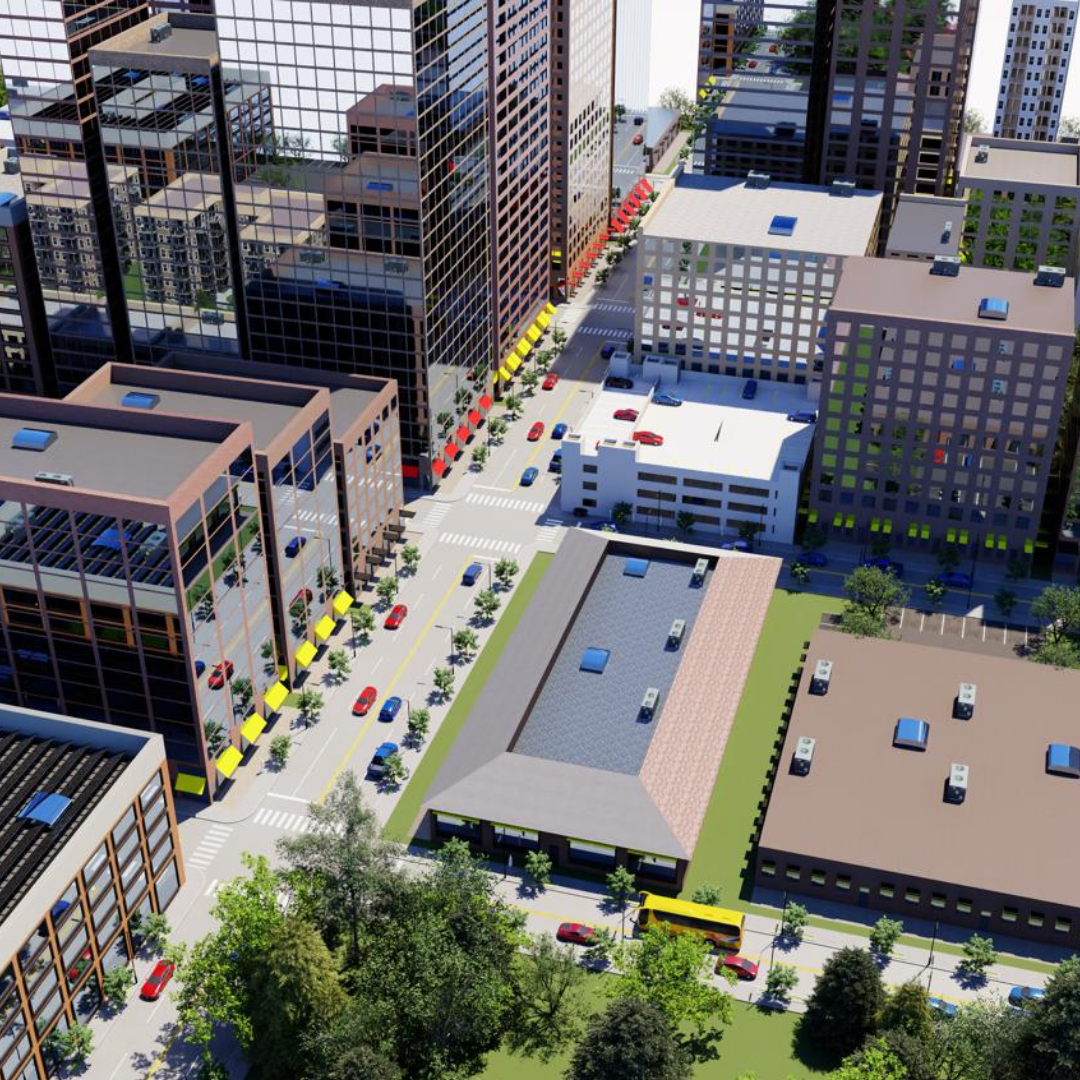
Enscape is a powerful real-time rendering and virtual reality software widely used by architects, interior designers, civil engineers, and construction professionals to create realistic visualizations and immersive architectural presentations. This course helps students master real-time rendering workflows, realistic lighting, material editing, animations, walkthroughs, virtual reality experiences, and architectural visualization using Enscape. Students will learn how to integrate Enscape with software such as Revit, SketchUp, Rhino, and other 3D design platforms to create high-quality renders and interactive presentations efficiently. The course also focuses on realistic environments, lighting systems, interior visualization, cinematic walkthroughs, VR presentations, collaborative workflows, and professional post-processing techniques used in the architecture and construction industry. Through practical real-world projects and industry-level workflows, students gain professional visualization skills for architecture, interior design, urban planning, and client presentations.
Course Syllabus
Understanding Enscape and Its Benefits
Navigating the Enscape Interface
Installing Enscape Plugins
Configuring Rendering Settings
Optimizing Performance
Principles of Real-Time Rendering
Applying Materials and Textures
Lighting Techniques
Camera Setup and Views
Realistic Scene Creation
Creating Outdoor Environments
Adding Vegetation & Natural Elements
Water Bodies & Landscape Features
Weather Effects
Environmental Storytelling
Designing Realistic Interiors
Interior Lighting Workflows
Furniture & Decoration Setup
Material Enhancements
Creating Immersive Interior Scenes
Camera Animation
Architectural Walkthroughs
Interactive Presentations
Exporting Videos
Presentation Techniques
Customizing Enscape Settings
Using Asset Libraries
Post-Processing Effects
Cinematic Enhancements
Optimizing Output Formats
Introduction to VR Workflows
Preparing Projects for VR
VR Controls & Settings
Immersive Client Presentations
Interactive VR Navigation
Team Collaboration Using Enscape
Sharing Projects Remotely
Real-Time Scene Review
Multi-User Collaboration
Client Feedback Workflows
Residential Visualization Projects
Commercial Interior Projects
Urban Development Visualization
Architectural Presentation Workflow
Industry-Level Rendering Projects
Report Generation
Viewing Final Results
Presentation Techniques
Exporting High-Quality Outputs
Professional Project Delivery